
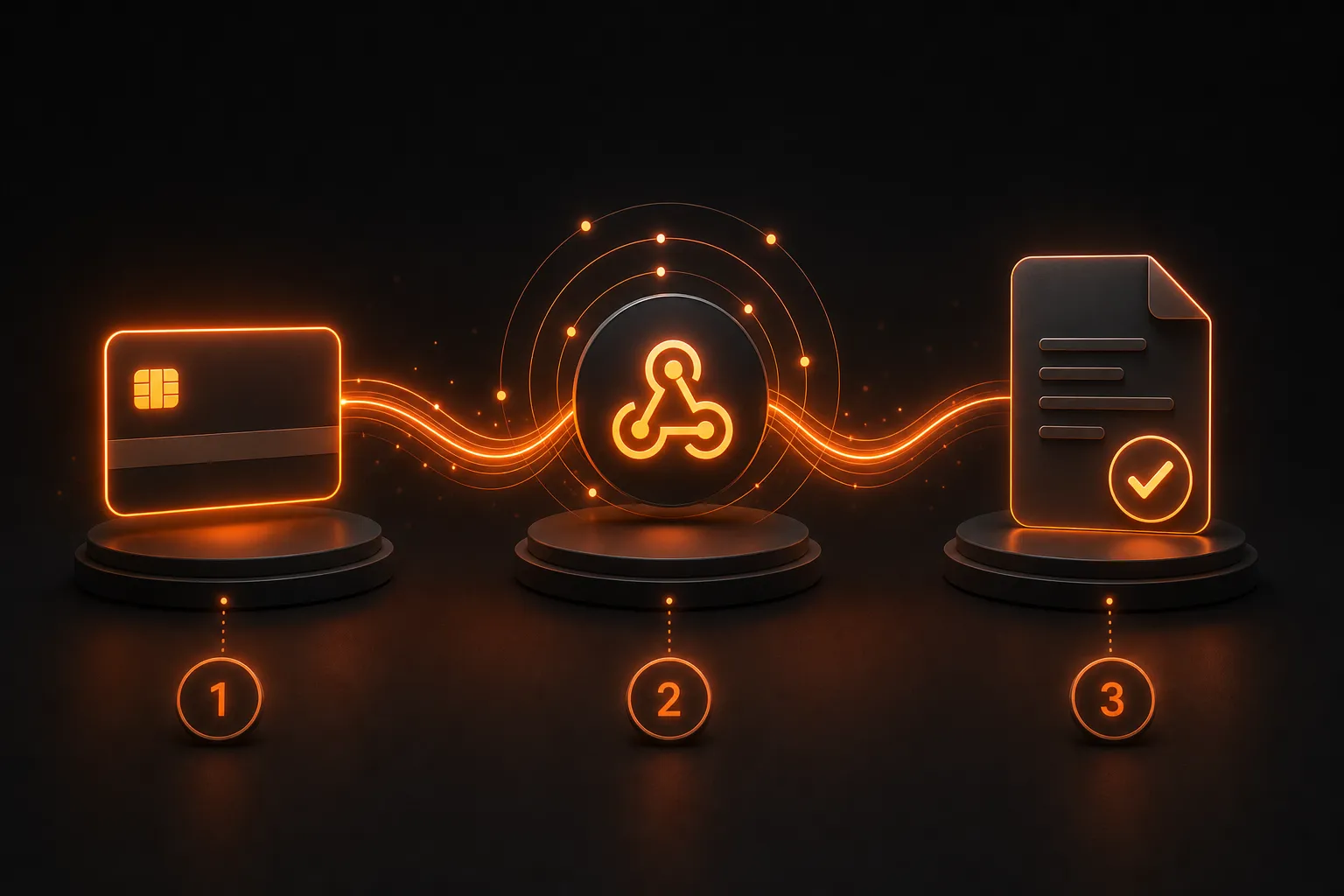
How to add Stripe payments to an AI-built app (without breaking everything)
A code-heavy guide to adding real Stripe subscriptions to a vibe-coded app. Webhook signatures, customer reuse, idempotency — the three things that always break.
 Bryan Hale
 If you’ve built an app with Blink or any other vibe coding tool, the first thing that breaks when you try to actually charge money is the payment integration. The AI will cheerfully write code that creates a Stripe checkout session and listens for a webhook, but the details that make it actually work in production — idempotency, webhook signature verification, customer reuse, proration, the difference between payment_intent.succeeded and invoice.paid — those aren’t obvious. Get them wrong and you either double-charge someone, lose track of who’s paid, or get your webhook endpoint spoofed by an attacker.
This article is the part I wish I’d had when I added Stripe to my first vibe-coded app. It’s the patterns, not the prompt magic. You’ll see actual code, the actual failure modes, and the actual fixes. Nothing here depends on a specific tool — the patterns work whether your code came from Blink, Lovable, Bolt, Cursor, or you typed it yourself.
If you’ve never used Stripe before, get a free test account at stripe.com, toggle to test mode (top right of the dashboard), and use Stripe’s test card numbers (4242 4242 4242 4242 for success, 4000 0000 0000 9995 for insufficient funds). The entire tutorial works in test mode without processing a real payment.
What the AI usually gets right
When you ask a vibe coding tool to “add Stripe checkout,” the prompt-to-code loop usually produces something like this (or the equivalent in whatever language/framework your tool uses):
// AI-generated: create a checkout session
app.post('/api/checkout', async (req, res) => {
  const session = await stripe.checkout.sessions.create({
    line_items: [{ price: req.body.priceId, quantity: 1 }],
    mode: 'subscription',
    success_url: `${BASE_URL}/success`,
    cancel_url: `${BASE_URL}/cancel`,
  });
  res.json({ url: session.url });
});
This part is fine. It works. The customer clicks the button, gets redirected to a Stripe-hosted checkout page, enters their card, and comes back to your success URL. You get a one-time checkout.session.completed webhook when the payment is done.
The problems start with what’s missing, not what’s there.
The three things that always break
These are the failure modes I see over and over in vibe-coded Stripe integrations. None of them are obvious from the prompt; they all show up only in production or in production-like testing.
1. Webhook signature verification
The AI will write code that accepts any POST request to your webhook endpoint and trusts it:
// DANGEROUS: don't do this
app.post('/api/webhook', async (req, res) => {
  const event = req.body;
  await handleEvent(event);
  res.sendStatus(200);
});
This means anyone can POST to your webhook and trick your app into thinking a payment happened. Stripe signs every webhook with a per-endpoint secret (whsec_...), and the signature is in the stripe-signature header. The fix:
import Stripe from 'stripe';
import express from 'express';

const stripe = new Stripe(process.env.STRIPE_SECRET_KEY);
const webhookSecret = process.env.STRIPE_WEBHOOK_SECRET;

app.post(
  '/api/webhook',
  express.raw({ type: 'application/json' }),
  async (req, res) => {
    const sig = req.headers['stripe-signature'];
    let event;
    try {
      event = stripe.webhooks.constructEvent(req.body, sig, webhookSecret);
    } catch (err) {
      console.error('Webhook signature verification failed:', err.message);
      return res.sendStatus(400);
    }
    await handleEvent(event);
    res.sendStatus(200);
  }
);
The order matters: express.raw() must run before the JSON body parser on this route, or the body will already be parsed and signature verification will fail. Tell your vibe coding tool that the webhook route needs raw body parsing, and to verify the signature before doing anything with the event payload.
2. Customer reuse
The most common bug: every time the user clicks “Subscribe,” you create a new customer in Stripe. After three months they have four customer records, and cancelling one doesn’t cancel the others. The fix is to attach the Stripe customer ID to your user record the first time, and reuse it on subsequent checkouts:
// First checkout: create customer and save the ID
let customerId = user.stripeCustomerId;
if (!customerId) {
  const customer = await stripe.customers.create({
    email: user.email,
    metadata: { userId: user.id },
  });
  customerId = customer.id;
  await db.users.update(user.id, { stripeCustomerId: customerId });
}

const session = await stripe.checkout.sessions.create({
  customer: customerId,  // <-- not customer_email
  line_items: [{ price: priceId, quantity: 1 }],
  mode: 'subscription',
  success_url: `${BASE_URL}/success?session_id={CHECKOUT_SESSION_ID}`,
  cancel_url: `${BASE_URL}/cancel`,
});
Two important details here. First, pass customer (the Stripe customer ID), not customer_email — passing the email will create a new customer every time. Second, add the Stripe customer ID to your metadata so you can find the user from the webhook:
// In your webhook handler
async function handleEvent(event) {
  if (event.type === 'checkout.session.completed') {
    const session = event.data.object;
    const stripeCustomerId = session.customer;
    const user = await db.users.findBy({ stripeCustomerId });
    if (!user) {
      // Edge case: webhook arrived before we finished saving the customer ID.
      // Retry: Stripe will redeliver the webhook.
      throw new Error('User not found for customer');
    }
    await db.subscriptions.upsert({
      userId: user.id,
      stripeSubscriptionId: session.subscription,
      status: 'active',
    });
  }
}
3. Idempotency
Stripe will occasionally retry a webhook (network blip, your server restarted, 500 error). If your handler is “if subscription is active, do nothing” then retry is safe. If your handler is “add 1 month of credit to the user’s account,” retry is not safe — you’ll give them two months for one payment.
The fix is to use the Stripe event ID as an idempotency key. Every Stripe event has a unique id field, and you can check whether you’ve already processed it:
async function handleEvent(event) {
  // Idempotency check
  const seen = await db.processedEvents.find(event.id);
  if (seen) return;

  // ... do the work ...

  await db.processedEvents.insert({
    id: event.id,
    type: event.type,
    processedAt: new Date(),
  });
}
Wrap the whole thing in a database transaction if you can. If the work succeeds but the “mark as processed” fails, Stripe will retry and your idempotency check will catch it. If the work fails and the transaction rolls back, Stripe will retry the whole thing.
The two events that matter
Stripe sends a lot of webhook events. For a subscription app, you really only care about two:
| Event | When it fires | What to do |
|---|---|---|
checkout.session.completed | Customer finished a checkout session | Mark the user as subscribed, save the subscription ID |
invoice.paid | A recurring invoice was paid successfully | Renew the user’s access period |
customer.subscription.deleted | Subscription was cancelled (by user, by you, or by Stripe due to non-payment) | Revoke the user’s access |
invoice.payment_failed | A recurring payment failed | Email the user, give them a grace period, eventually revoke access |
For a one-time-payment product (not a subscription), the only event you care about is checkout.session.completed. Subscribe to exactly the events your app needs; ignore the rest. Stripe’s dashboard lets you select which events get sent to your endpoint, and fewer events = less code to maintain.
Testing in the real world
Before going live with payments, run through these scenarios in test mode and verify your code handles each one:
- Happy path: subscribe, get charged, access granted. ✓
- Card declined: subscribe with
4000 0000 0000 9995, verify your app shows a “payment failed” message. - Webhook arrives twice: trigger the same webhook twice from the Stripe dashboard. Verify only one subscription is created.
- Webhook arrives before user record update: insert a
sleep(5000)in your customer-creation flow, then trigger the webhook. Verify it retries successfully. - User cancels: cancel from the Stripe dashboard, verify access is revoked within 5 minutes.
- User’s card expires: simulate by changing the test card to a future expiration. Verify the renewal fails and the user is notified.
- Refund issued: refund from the dashboard, verify the user loses access.
The AI won’t test any of these for you. They’re the difference between “the demo worked” and “the production site doesn’t charge the same customer twice by accident.”
Going live checklist
When you’re ready to flip from test mode to live:
- Replace test API keys with live keys in your environment variables
- Update the webhook endpoint in the live Stripe dashboard (test and live have separate webhook configurations)
- Set up the live products and prices in the Stripe dashboard (test prices don’t carry over)
- Make sure your success/cancel URLs use HTTPS (Stripe requires this for live mode)
- Set up Stripe Tax if you sell across jurisdictions
- Set up a backup webhook receiver (a second endpoint that logs the events for debugging)
- Configure email notifications for
invoice.payment_failedso you know when a renewal breaks - Test the full flow with a real $1 charge and refund it before you trust the system with real money
FAQ
Do I need a Stripe account to follow this tutorial?
Yes, but the test mode is free. Sign up at stripe.com, toggle to test mode, and use the test card numbers Stripe provides (4242 4242 4242 4242 for success, 4000 0000 0000 9995 for insufficient funds, etc.). You can build and test the entire flow without processing a real payment.
Why do I need a webhook, can’t I just check the payment status from the frontend?
You can, but it’s wrong. The frontend can lie (the user closed the tab), the frontend can be wrong (the network dropped), and the frontend can be malicious (the user opened devtools and modified the response). The webhook is Stripe’s authoritative “the payment happened” signal, signed so you can prove it came from Stripe. Your database should only ever mark an account as “paid” based on the webhook, never on what the frontend says.
What if the webhook arrives before my database is ready to handle it?
This is a real race condition. The fix is to make your webhook handler idempotent — it should check whether the order/customer already exists in your DB and create-or-update accordingly. Stripe will retry the webhook for up to 3 days if your endpoint returns an error, so you have time to recover. But if your handler crashes halfway through updating the database, you can get a half-updated state. The fix is to wrap the entire webhook update in a database transaction.
Is it safe to ship payments code I got from an AI?
With caveats. The happy path AI generates for payments is usually correct. The edge cases — failed payments, disputed charges, refunds, proration, tax — are where it gets risky. Use the AI for the boilerplate (creating a checkout session, listening for the webhook), but read the Stripe docs for anything involving real money and test every edge case yourself before going live.
What’s the difference between Stripe Checkout and Stripe Elements?
Checkout is the hosted page — Stripe handles the entire payment form and 3DS challenge. You redirect the user to it and back. Elements is the embeddable version — you build your own form using Stripe’s pre-built input components. Checkout is faster to integrate and PCI-compliant out of the box. Elements gives you full control of the UX but you’re responsible for more of the security. For vibe-coded apps, Checkout is the right default.
Do I need to handle taxes in Stripe?
Eventually, yes. Stripe Tax is a separate product that calculates and collects the right tax rate for each transaction. For your first launch in one country with one product, you can probably skip it and add it when you start selling to customers in other states/countries. If you’re selling to EU customers from day one, set up Stripe Tax before you launch — VAT compliance is not optional.
Related articles
How to build a SaaS app with AI in 2026: a complete guide for non-developers
From idea to deployed subscription product. A step-by-step walkthrough of building a real SaaS with AI app builders, including the tool decision matrix and the parts that still need a developer.
Blink.new pricing in 2026: every plan, every credit, what you'll actually pay
A complete breakdown of Blink's pricing tiers, credit system, hidden costs, and what it costs to ship a real project. With a calculator for estimating your real monthly bill.
Blink.new vs Lovable vs Bolt: I built the same app in all three. Here's what happened.
A side-by-side build comparison of Blink.new vs Lovable vs Bolt. Same prompt, real results. Which wins for production SaaS, which for prototypes, which to skip.